
How to Build Your Own Package
Build Your Own Packages
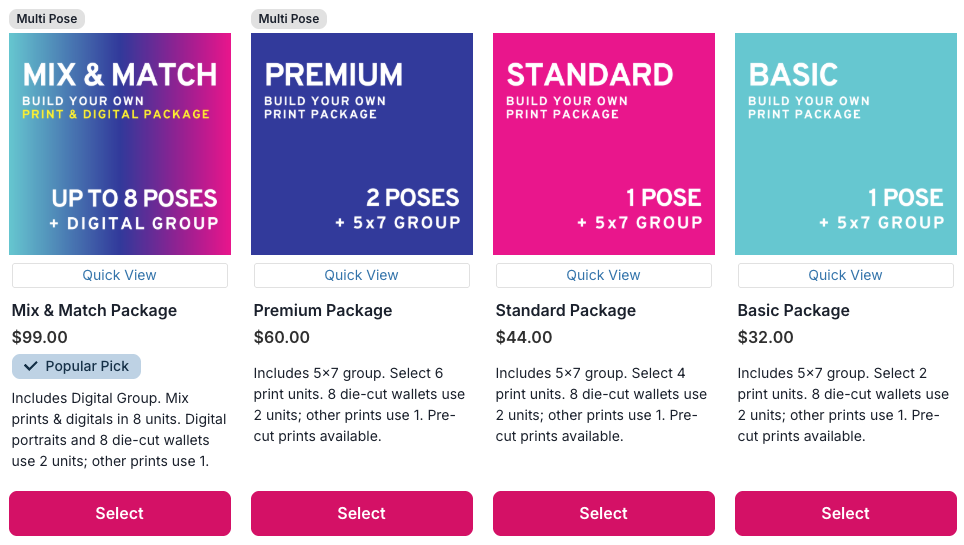
Our Build Your Own packages are perfect for families who want flexibility. You get to choose the exact print sizes you need and select your favorite images—with the option to include multiple poses in some packages.
Here is a brief breakdown of the key differences between our packages:
|
Package |
Units |
Poses |
Prints |
Digital Portrait |
|---|---|---|---|---|
| Mix & Match | 8 | 8 | ✔️ | ✔️ |
| Premium | 6 | 2 | ✔️ | |
| Standard | 4 | 1 | ✔️ | |
| Basic | 2 | 1 | ✔️ |
Steps to Building Your Own Package
1. Pick your package by clicking the pink “Select” button:
 2. Choose your print sizes until the unit count is full:
 2. Choose your print sizes until the unit count is full:
Each print size counts as one sheet:
- 8x10 = 1 unit
- 2-5x7 = 1 unit
- 2-4x6 = 1 unit
- 4-3.5x5 = 1 unit
- 8 Wallets = 1 unit
- 8 Wallets (die-cut) = 2 units
3. Click “Next”
4. Assign images:
If a group photo is included in your package, click on the group photo to begin assigning images. If a group photo is not included, you can immediately start selecting the individual images for your package.
5. Crop (if needed)
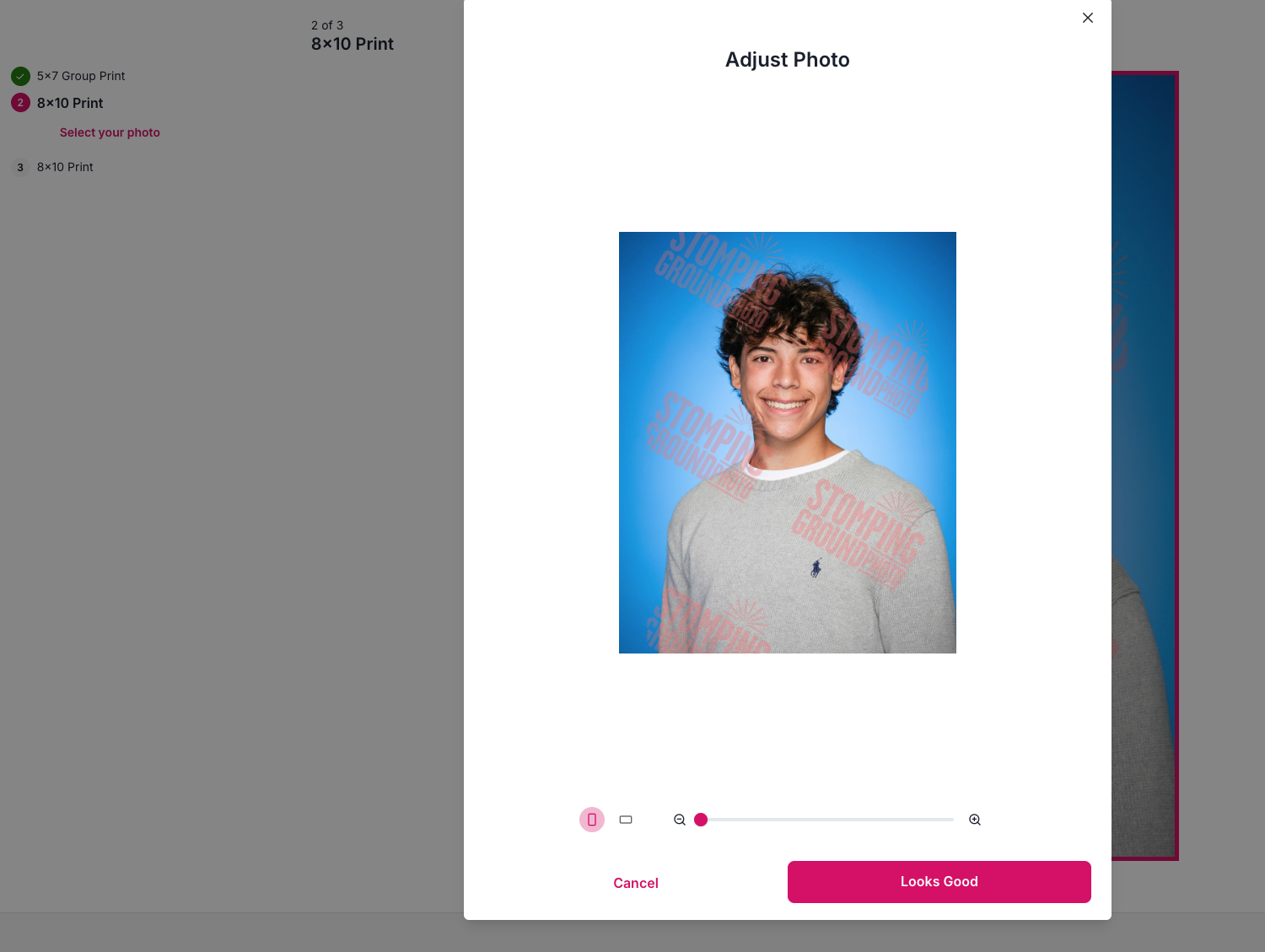
Click an image, adjust the crop using the slider or click + drag, then click "Looks Good."
 6. Repeat for all sheets
 6. Repeat for all sheets
7. Click “Next” after all images are assigned
8. Add retouching (optional):
We offer a variety of retouching options for all your needs! Click here for more information about retouching services!
After choosing a retouching option, this will be applied to all print sizes and any other items added to the cart with the same image chosen for retouching.

9. Click “Next: Summary”
This is where you will be able to review the print sizes and images assigned, as well as any add-ons selected such as retouching.

10. Click “Add to Cart”
11. Click “X” to return to the shop or “View Cart” to continue to checkout.
Stick around and shop some more or continue right to checkout!

Questions? Click the pink question mark below!